
Wondering how to purchase an Aquatic Center membership?
We’ve got you covered—just follow these simple steps:
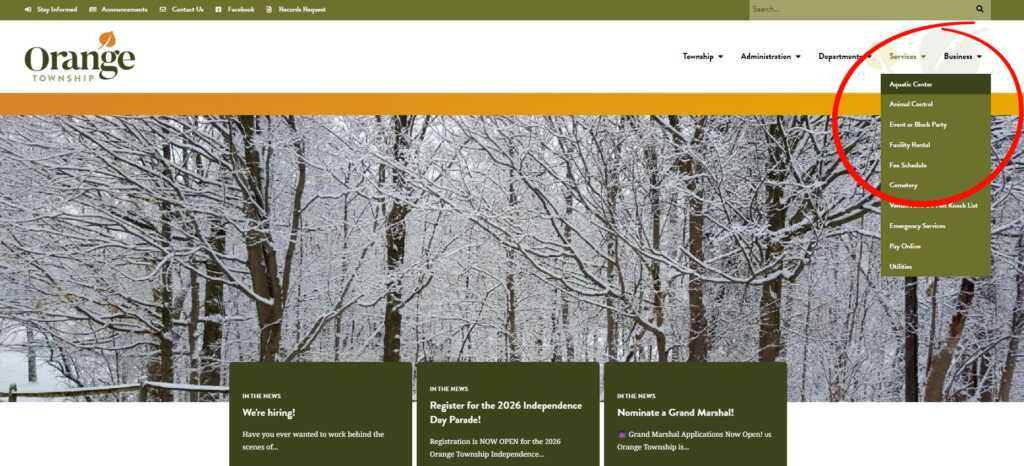
1. Visit our website at orangetwp.org. From the homepage, hover over “Services” and click on “Aquatic Center.”
(You’ll also find tons of helpful information about what’s happening around Orange Township here!)
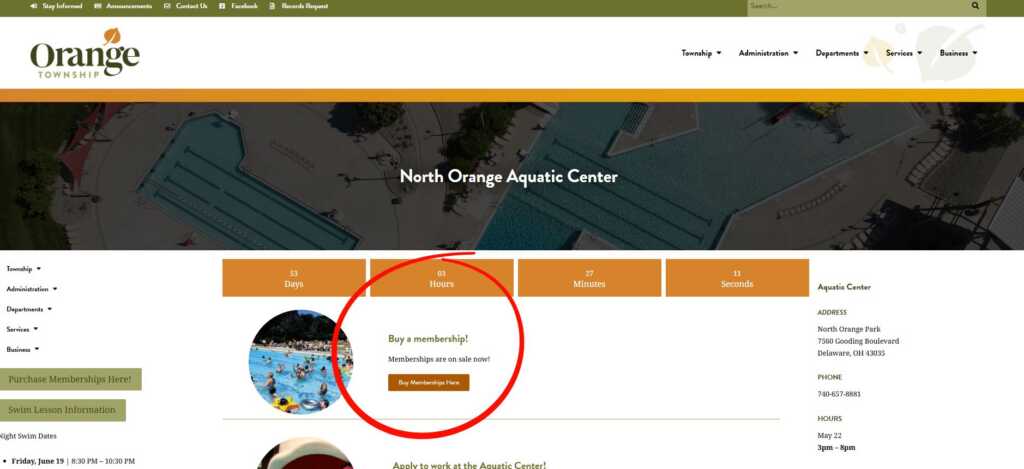
2. On the Aquatic Center page, scroll to the “Buy a Membership” section and click “Buy Memberships Here.”
(This page also includes membership details, night swim dates, day pass info, and more.)
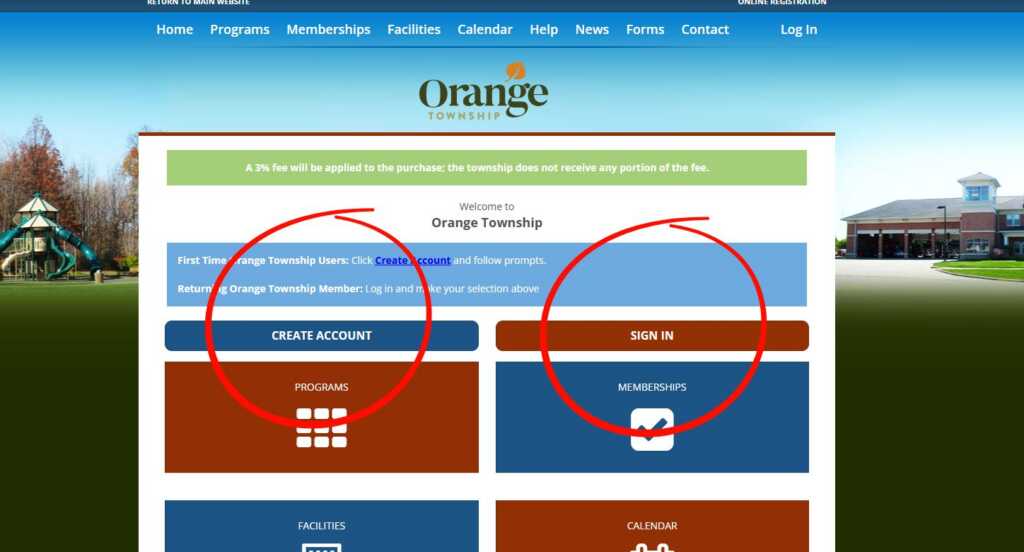
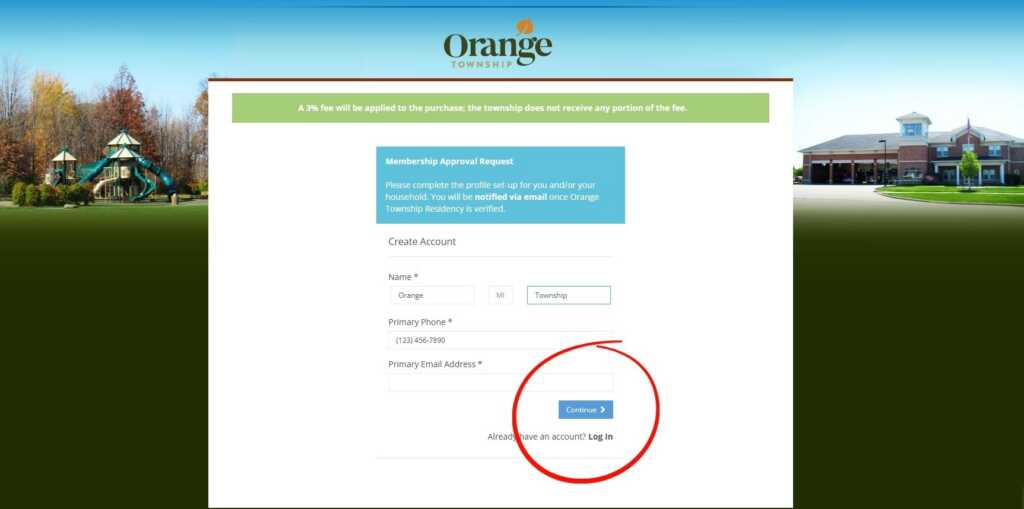
3. You’ll be redirected to our RecDesk page. Here, you can either create a new account or sign in to an existing one.
RecDesk is also used to reserve township facilities like the Community Room at North Orange Park, park shelters, and soccer fields (available to Orange Township residents only).
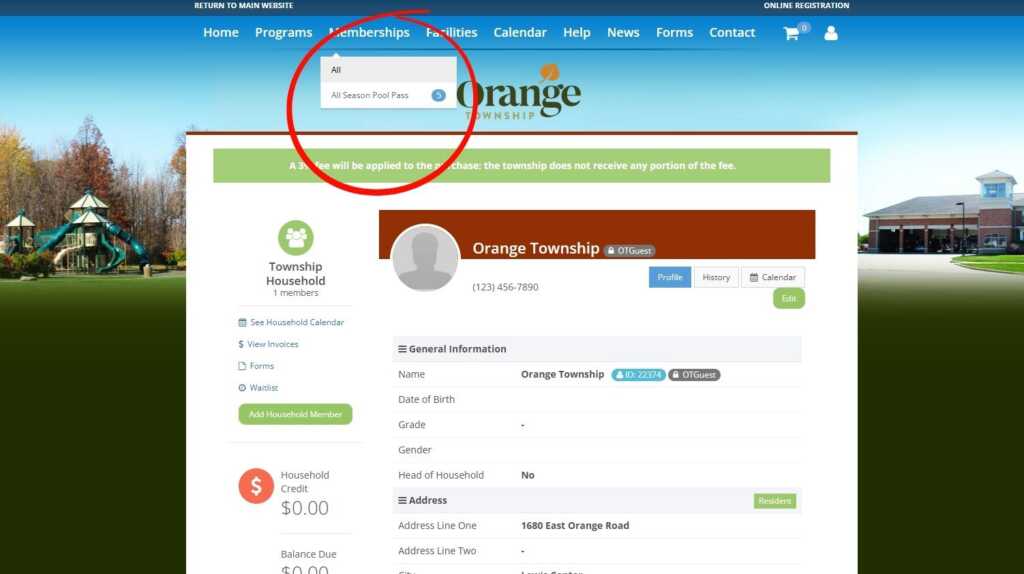
4. At the top of the page, hover over “Memberships” and select “All Season Pool Pass.”
Fill out all required information to complete your purchase.
5. Have questions? We’re happy to help—reach out anytime!